A home security system can help protect your property while giving you greater control over cameras, door sensors, alarms, smart locks, and emergency alerts. But homeowners often discover that the advertised starter price is only one part of the total cost.
In 2026, a basic DIY security setup can cost only a few hundred dollars, while a large professionally installed system with multiple cameras and 24/7 monitoring can cost considerably more.
NerdWallet reports that starter home security equipment averages a little over $200, while comprehensive professionally installed systems can reach $2,000 or more. Professional monitoring commonly costs approximately $20 to $80 per month depending on the provider and features selected.
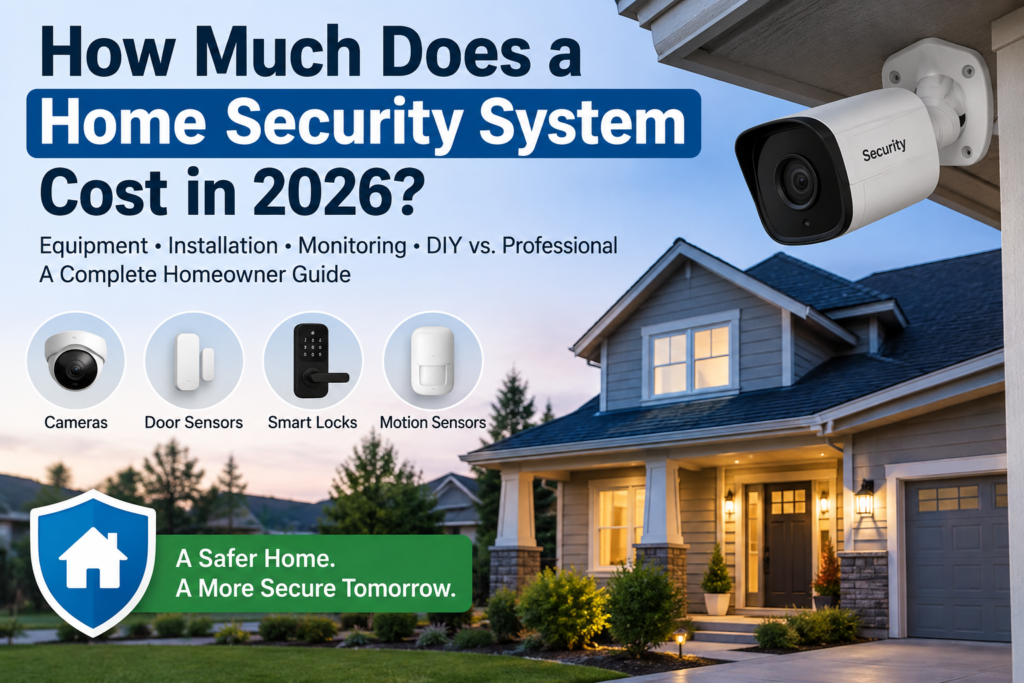
What Does a Home Security System Include?
Modern security systems can be much more advanced than a traditional burglar alarm.
A basic system may include a central control panel, entry sensors for doors and windows, motion detectors, and an alarm.
More advanced packages can include indoor and outdoor security cameras, video doorbells, glass-break sensors, smoke and carbon monoxide detectors, smart locks, flood sensors, garage monitoring, and home automation.
The number of devices you install has a major impact on the final price.
A small apartment may only require a few sensors and one camera, while a large suburban home may require sensors on several doors and windows plus multiple outdoor cameras.
Home Security Equipment Cost in 2026
Equipment pricing varies dramatically.
Security.org’s updated 2026 pricing guide places equipment costs at approximately $60 to $900 depending on the system and package.
Other systems can cost substantially more when homeowners add several cameras, smart locks, environmental sensors, and advanced control equipment.
Forbes Home estimates that a typical home security system costs around $600, although basic systems may start near $45 and customized packages can exceed $3,000.
This is why homeowners should compare the equipment included rather than looking only at the advertised package price.
Professional Monitoring Cost
Professional monitoring is one of the most important recurring expenses.
With professional monitoring, a security center can receive alerts when certain alarms are triggered and may contact you or emergency services depending on the situation and service agreement.
NerdWallet’s 2026 analysis puts professional monitoring at approximately $20 to $80 per month, while optional self-monitoring features such as video storage and enhanced notifications may cost much less.
Over several years, monitoring fees can become a larger expense than the original equipment purchase.
For example, even a $40 monthly monitoring plan costs $480 per year.
Homeowners should therefore compare both the initial equipment price and the long-term subscription cost.
DIY vs. Professional Installation
DIY security systems have become popular because many modern devices are wireless and designed for simple installation.
A homeowner may be able to mount cameras, connect sensors, and configure the system using a mobile app without paying an installation fee.
DIY installation can work particularly well for renters, smaller homes, and people comfortable setting up smart devices.
Professional installation may make more sense for larger properties, hardwired systems, complex camera installations, or homeowners who simply prefer an expert to install and test everything.
This Old House reported in June 2026 that professional installation commonly costs approximately $99 to $199, although total costs vary by system and provider.
More complex installations can cost considerably more. Angi’s July 2026 estimates place professional home security installation costs between roughly $300 and $1,236 depending on the system and number of cameras involved.
Wired vs. Wireless Security Systems
Wireless security systems are generally easier to install and expand.
Sensors communicate wirelessly with the central system, which can reduce the amount of drilling and wiring required throughout the home.
Hardwired systems may offer a permanent installation and can be attractive for homeowners building or renovating a property.
However, installation can be more complicated because wires may need to run through walls or ceilings.
Neither option is automatically better for every homeowner.
The right choice depends on the property, budget, desired features, and whether the system needs to be portable.
Do You Need Security Cameras?
Cameras are often one of the largest equipment expenses.
A homeowner may want a video doorbell at the front entrance, an outdoor camera covering the driveway, and additional cameras covering side doors or the backyard.
Before buying several cameras, consider which areas actually need coverage.
Camera placement is often more important than simply buying a large number of devices.
Cloud video storage can also create an ongoing monthly expense, so check whether recordings require a subscription.
Self-Monitoring vs. Professional Monitoring
Self-monitoring means alerts are sent directly to your phone.
This can reduce monthly costs and may be suitable for homeowners who do not want a recurring monitoring subscription.
The disadvantage is that you are responsible for responding to alerts.
Professional monitoring adds a third-party monitoring center that may respond when alarms are triggered according to the service terms.
Homeowners who travel frequently or want around-the-clock monitoring may prefer this option despite the monthly fee.
Smart Home Integration
Many modern security systems integrate with other connected devices.
Depending on compatibility, you may be able to control cameras, locks, lighting, thermostats, garage doors, and alarms from the same application.
However, homeowners should avoid buying smart devices simply because they are available.
Focus on features that provide useful security, convenience, or energy-saving benefits.
Also check whether certain integrations require a premium subscription.
Hidden Costs to Consider
The monthly advertised price may not represent the complete cost.
Depending on the provider and location, homeowners could encounter activation fees, installation charges, equipment financing, cloud storage charges, additional camera subscriptions, alarm permit fees, or early cancellation fees.
Before signing a contract, calculate the total cost over the full contract period.
A system that appears cheaper initially may become more expensive if it carries higher monthly fees.
How to Choose the Right Security System
Start by identifying the areas of your home you actually need to protect.
A detached house with several exterior doors may have very different requirements from a small apartment.
Then decide whether you want professional monitoring or prefer to monitor the system yourself.
Compare equipment costs, installation fees, monthly charges, contract terms, warranties, camera quality, storage options, and smart home compatibility.
Do not choose a system purely because it has the lowest advertised monthly price.
Is a Home Security System Worth It?
The answer depends on your property, location, security concerns, and budget.
For some homeowners, a simple video doorbell and outdoor camera may provide enough functionality.
Others may prefer a complete system with entry sensors, cameras, alarms, environmental detection, and 24/7 monitoring.
The best value comes from buying the level of protection you will actually use rather than paying for unnecessary equipment.
Frequently Asked Questions
How much is a basic home security system?
A basic DIY setup can start at a few hundred dollars or less, depending on the number of sensors and cameras included.
How much does professional monitoring cost?
Professional monitoring commonly ranges from approximately $20 to $80 per month, although prices vary by company and service level.
Can I install a security system myself?
Yes. Many wireless systems are specifically designed for DIY installation.
Do security cameras require a monthly fee?
Not always. Some cameras offer local storage, while others require subscriptions for cloud recording or advanced features.
Final Thoughts
The total cost of a home security system in 2026 depends on much more than the advertised equipment package.
Equipment, cameras, installation, monitoring, cloud storage, contracts, and optional smart home features can all affect the long-term cost.
Before choosing a system, compare several providers and calculate both the upfront and recurring expenses.
For many homeowners, the best security system is not the most expensive one. It is the system that provides the right combination of protection, reliability, convenience, and long-term affordability.
Disclaimer: Prices are general estimates and may vary by provider, property, region, equipment, contract terms, and selec